WaveXML
Auto-sync Zoom / Sound Devices dual-system audio to cameras via XML for Resolve, Premiere, and Final Cut.
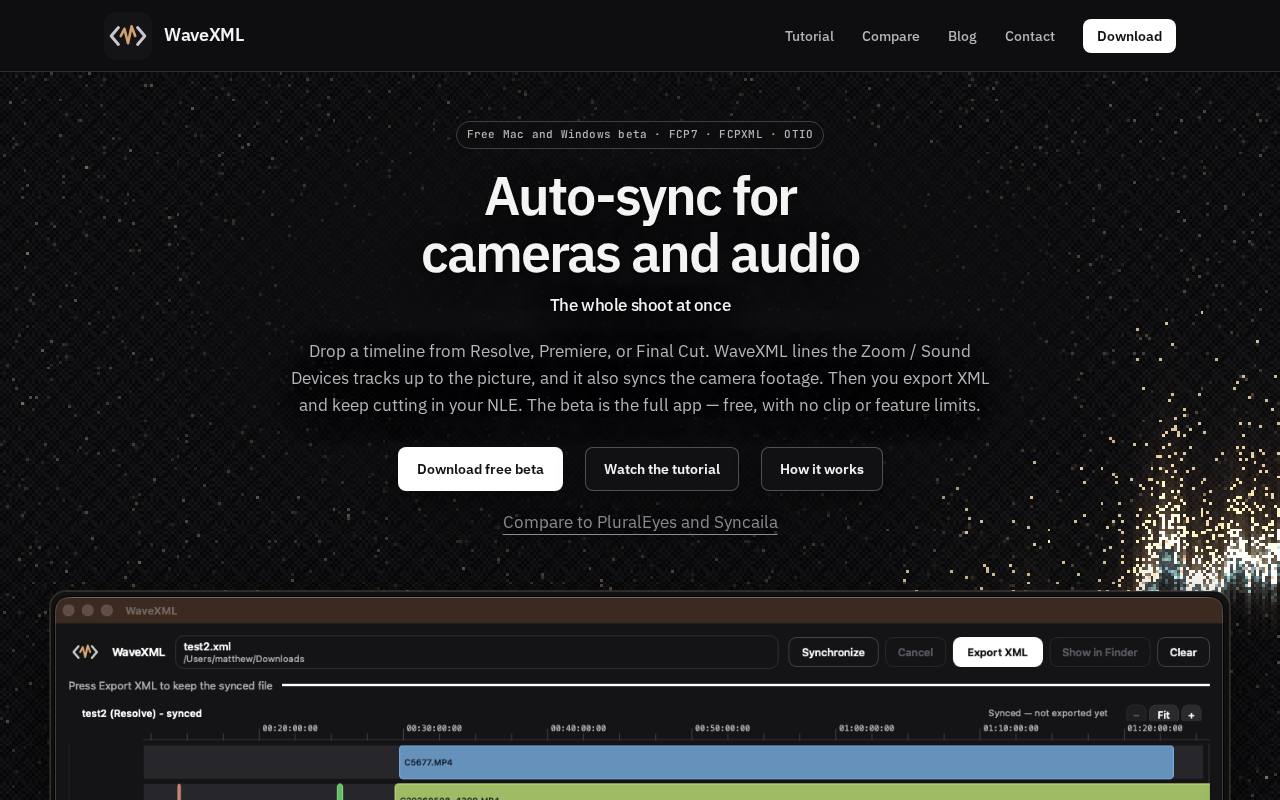
WaveXML auto-syncs Zoom / Sound Devices dual-system audio to camera footage via an XML round-trip for DaVinci Resolve, Adobe Premiere Pro, and Final Cut Pro. It is built for editors who record sound separately from picture and want their clips lined up without hand-matching waveforms or slates. How it works: export your timeline from your editor as FCP7 XML or FCPXML and drop it into WaveXML. Press Synchronize. WaveXML matches each camera clip to the separately recorded production audio, then writes a new XML. Import that XML back into DaVinci Resolve, Premiere Pro, or Final Cut Pro and keep cutting with picture and sound already in sync. Who it is for: wedding and event shooters running multi-cam setups, interview and documentary crews using boom and lav recorders, and anyone who relied on PluralEyes-style timeline sync and wants a simple replacement that fits into an existing editing workflow. Why editors like it: processing happens locally on your own computer. There is no plugin to install inside your editor and nothing is uploaded to a server, so your footage stays on your machine. Availability: WaveXML is a free Mac and Windows beta. It runs on macOS (Apple Silicon and Intel) and Windows 64-bit. The beta is the full app, with no clip limits and no feature limits. Register on the website to receive the installers.
WaveXML auto-syncs Zoom / Sound Devices dual-system audio to camera footage via an XML round-trip for DaVinci Resolve, Adobe Premiere Pro, and Final Cut Pro. It is built for editors who record sound separately from picture and want their clips lined up without hand-matching waveforms or slates. The tool processes data locally on the user's computer, ensuring no uploads to servers. WaveXML is currently available as a free Mac and Windows beta with no clip or feature limits.
Highlights
- ✓Auto-sync audio and video
- ✓Local processing
- ✓Supports FCP7 XML, FCPXML, and OTIO formats
- ✓Free beta with no limits
- ✓No plugin required
- ✓No data uploads
- ✓Cross-platform (Mac and Windows)
- Data location
- Unknown
- Pricing
- Free
- EU-owned
- No
- Self-hostable
- No
Good for
- Wedding and event shooters
- Interview and documentary crews
- Multi-cam setups
- Editors using dual-system audio recording
Frequently asked questions
- Is WaveXML EU-owned and GDPR-native?
- WaveXML — European-owned: No; GDPR-native: No; self-hostable: No; data stored in: Unknown.
- How much does WaveXML cost?
- Pricing model: Free. Check WaveXML's own site for current plans and numbers.
More European tools
- Babyphone TimmyTurn two existing phones into a cross-platform baby monitor — even iPhone and Android together.
- ConsultantEvery contract and consulting assignment in one search, matched to your CV
- FelhőHungarian company information, verification, domain tools and APIs
- HourtickTime tracking, tasks and team chat for people and AI agents
- IdőpontokOnline appointment booking for Hungarian businesses
- Job Delulu